How to Set Up Your AI Receptionist in Under 10 Minutes
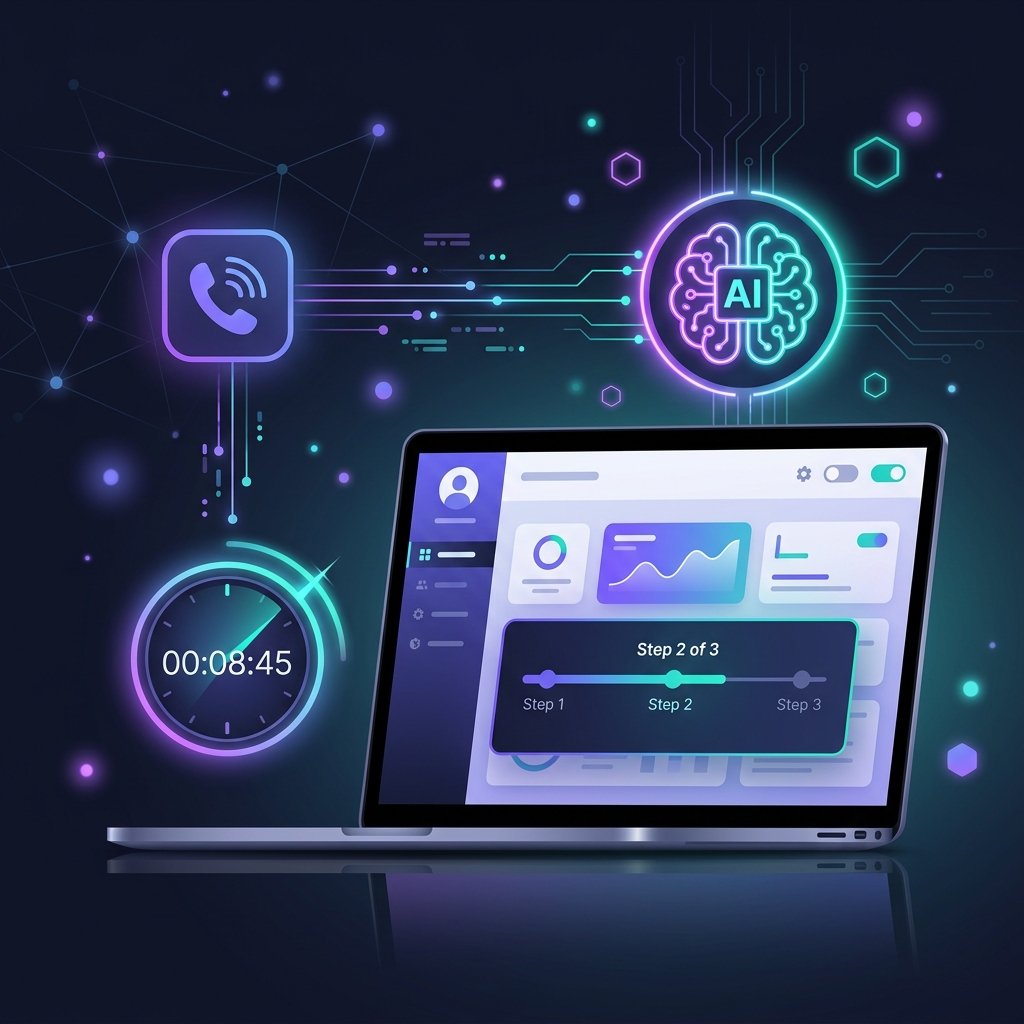
Getting started with DeskDoc is designed to be effortless. Whether you're a tech-savvy founder or a clinic owner who just wants things to work, this guide will have you up and running in minutes.
Step 1: Create Your Account
Head to the DeskDoc dashboard and sign up with your business email. You'll be greeted with a clean onboarding wizard that walks you through the essentials:
- Business name and type
- Operating hours
- Primary language(s) for your customers
Step 2: Train Your AI
This is where the magic happens. Upload your business information — services, pricing, FAQs, and booking rules. DeskDoc's AI processes this in seconds and builds a knowledge base tailored to your business.
You can also add custom conversation flows for specific scenarios, like handling insurance queries at a clinic or explaining pricing tiers at a salon.
Pro tip: Start with the basics and refine over time. DeskDoc lets you update your AI's knowledge anytime without downtime.
Step 3: Connect & Go Live
Connect your existing business phone number. DeskDoc works with any Indian mobile or landline number — no new SIM required. Calls that go unanswered by your staff are automatically picked up by your AI receptionist.
That's it. Your business now has a 24/7 AI front desk.
What's Next?
Once you're live, monitor call analytics from the dashboard. See how many calls your AI handled, what customers asked about, and where you can improve. DeskDoc gives you insights traditional receptionists never could.
Related Posts
View all Industry
Why Every Small Business Needs an AI Voice Receptionist in 2026
Missed calls mean missed revenue. Discover how AI receptionists are helping clinics, salons, and service businesses capture every lead — 24/7, without hiring extra staff.
 Industry
How AI Voice Agents Are Transforming Healthcare in India
From appointment booking to patient follow-ups, AI voice agents are solving healthcare's biggest communication challenge — and clinics across India are taking notice.
 Company
Introducing DeskDoc: Your Business's AI-Powered Front Desk
We're excited to launch DeskDoc — the AI voice receptionist built for Indian businesses. Here's our vision, what we've built, and where we're headed.